 WORLDGATE
Wissen!
The archive for everything you need to know: your own notes and how-tos as pages, appliance manuals as PDFs – side by side, searchable, in perfectly ordinary folders.
The name: Wissen is German for “knowledge” – and, as a verb, “to know”. The exclamation mark it shares with its sisters Ordnung! and Augenblick!.
Why Wissen!
Folders are the truth
A page is an ordinary Markdown file, a manual an ordinary PDF. Wissen! reads the folders and makes them searchable. Without the programme everything stays readable in any file manager.
Pages and PDFs as equals
The emergency list you write yourself and the washing machine manual sit in the same tree and turn up in the same search. A page can point straight at page 3 of a PDF.
Writing without worry
When you save, Wissen! changes only the paragraphs you touched; the rest stays character for character. The previous version is kept, and while you write nobody can save over you.
Pages that are a pleasure to read
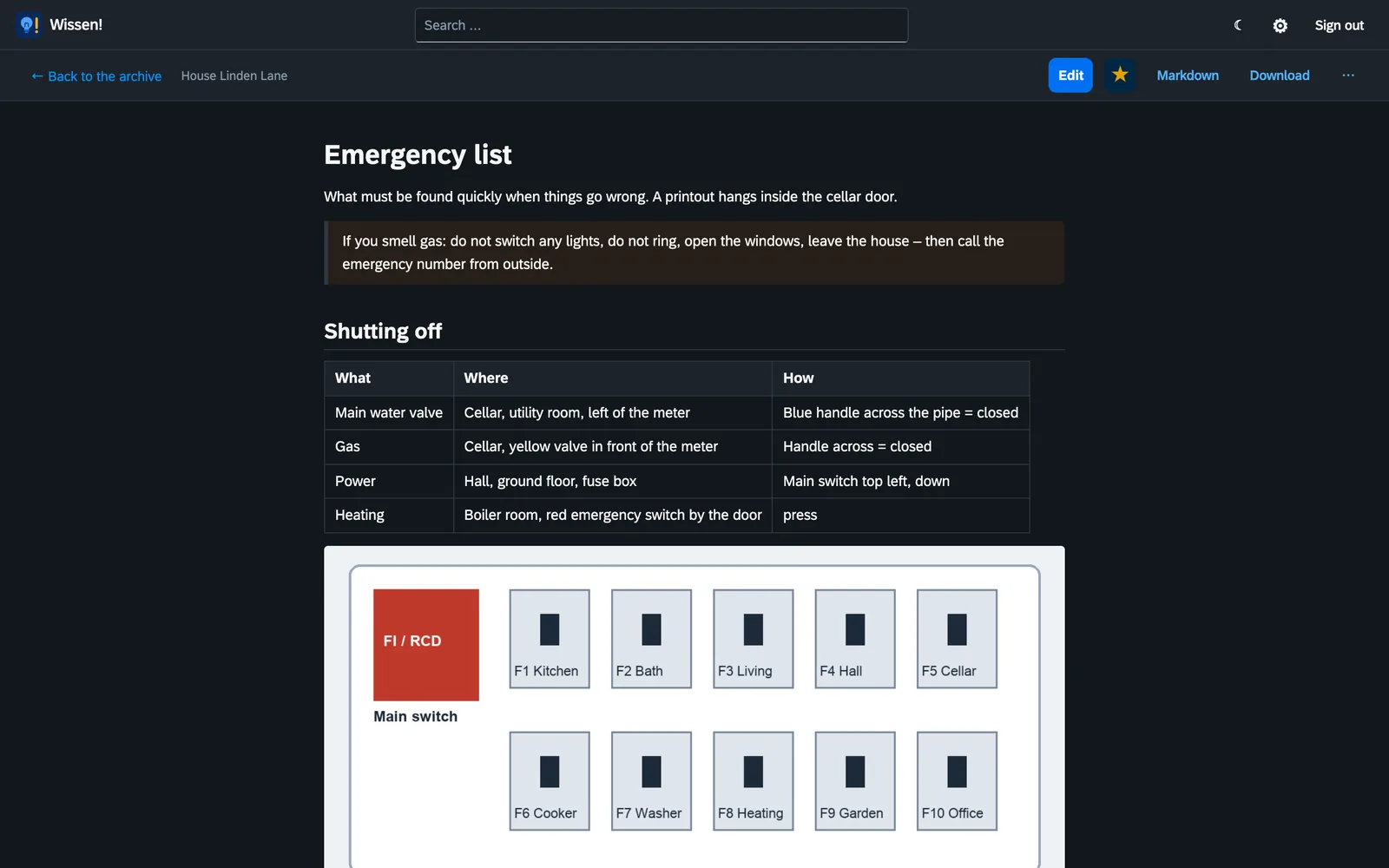
Headings, tables, task lists, pictures and coloured boxes for warnings and tips, plus code in colour, diagrams and maps. Longer pages get a table of contents. What belongs to the page – title, date, tags – sits at the top of the file itself.
One search for everything
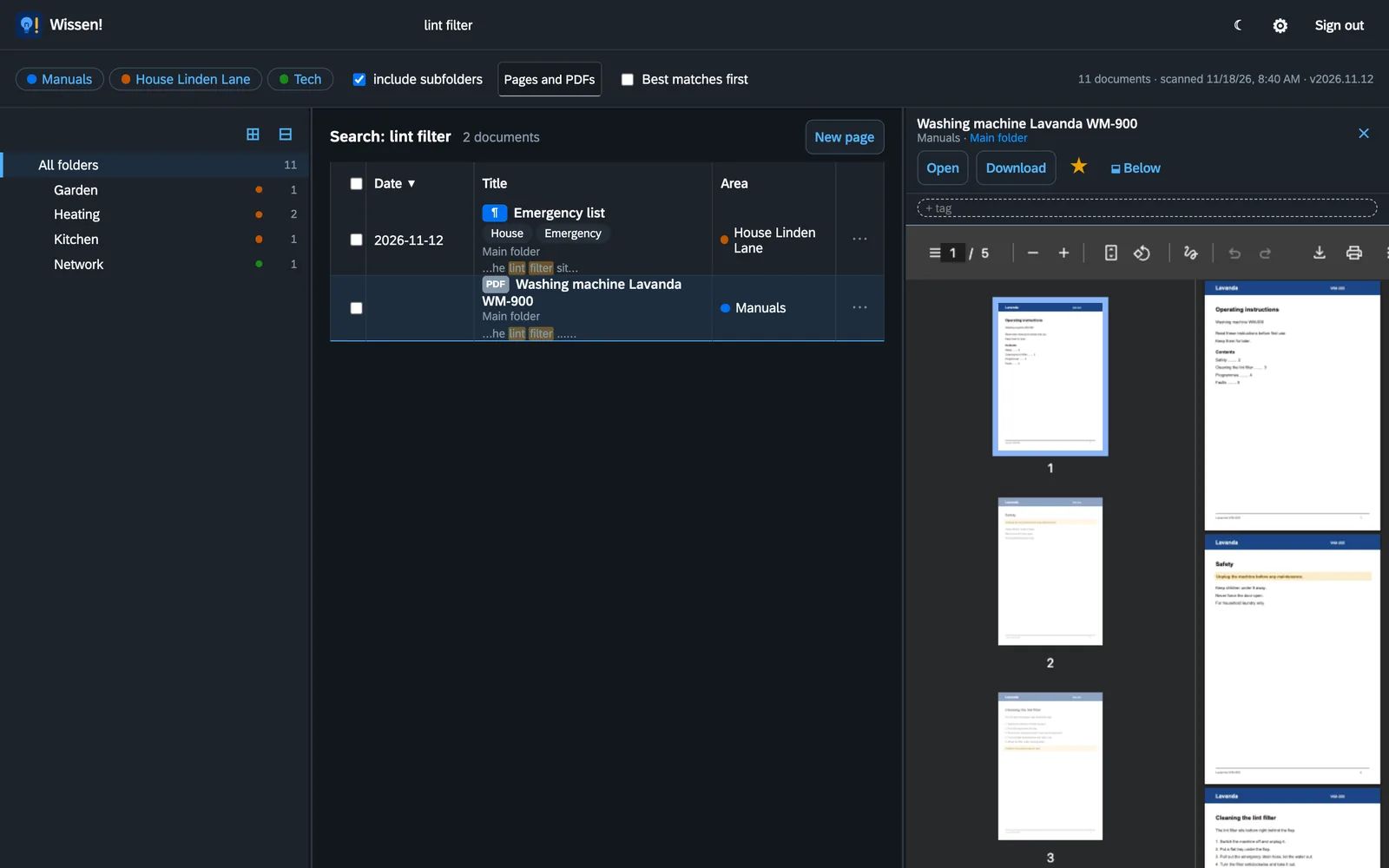
The full-text search finds the word on your own page and on page 3 of the washing machine manual. Scanned PDFs without a text layer are read by Wissen! itself, with text recognition on your own machine.
Write as in a word processor
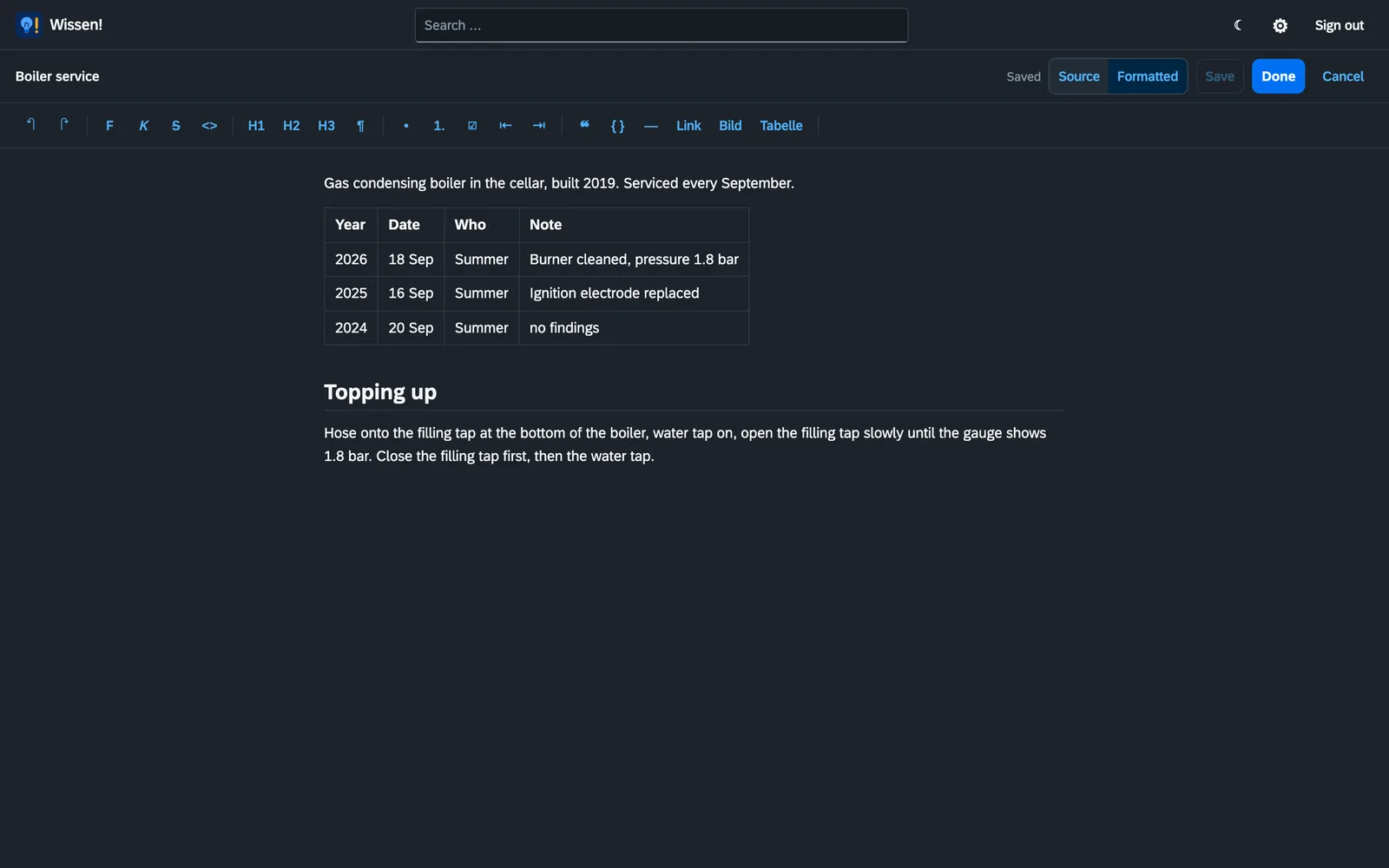
The formatted view shows the page as it will look, with a toolbar for bold, lists, links, pictures and tables. Whatever you did not touch stays exactly as it was in the file when you save.
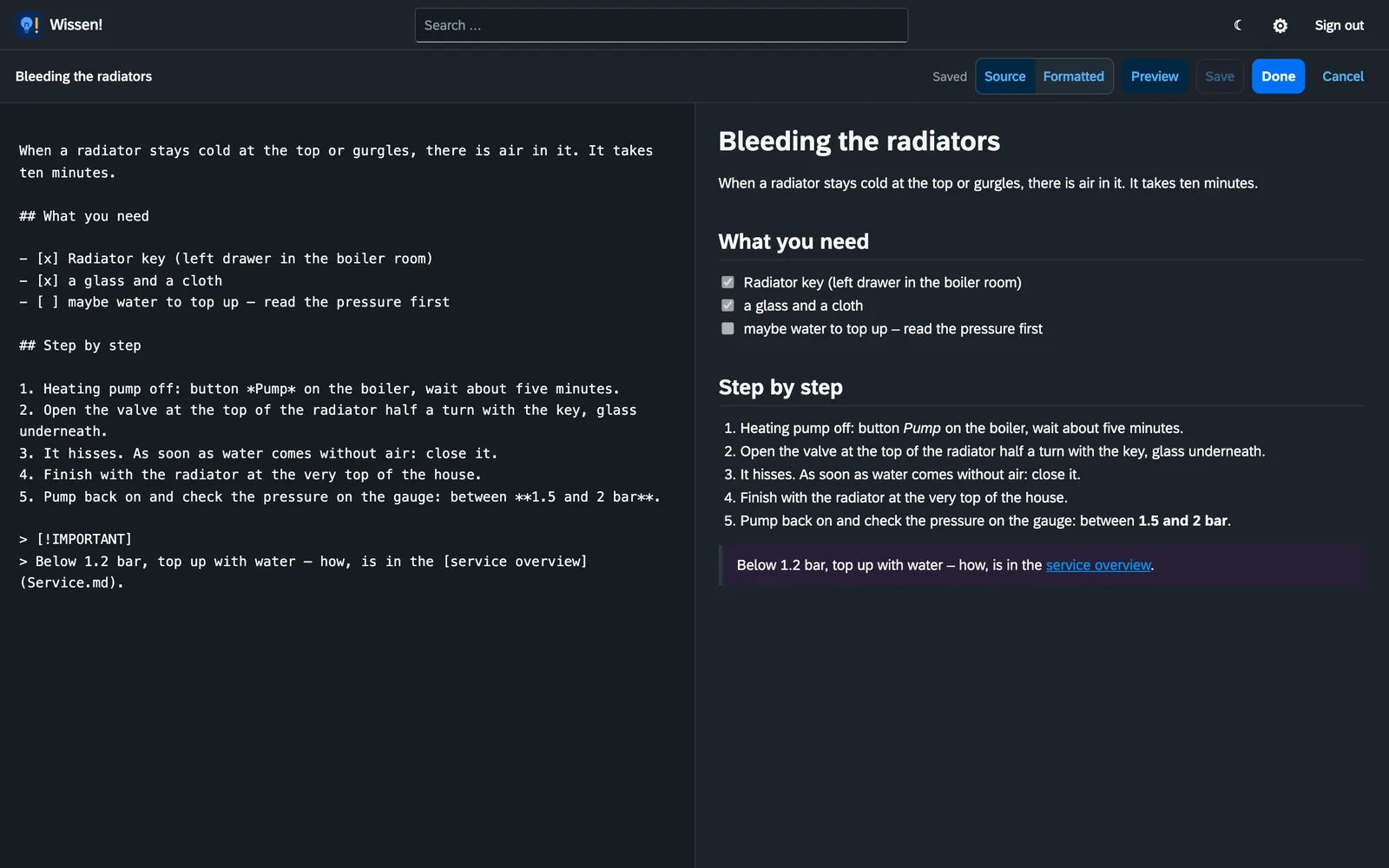
Or straight in Markdown
If you prefer to see the text itself, write in the source with the preview beside it. Wissen! remembers for your account which view you used last.
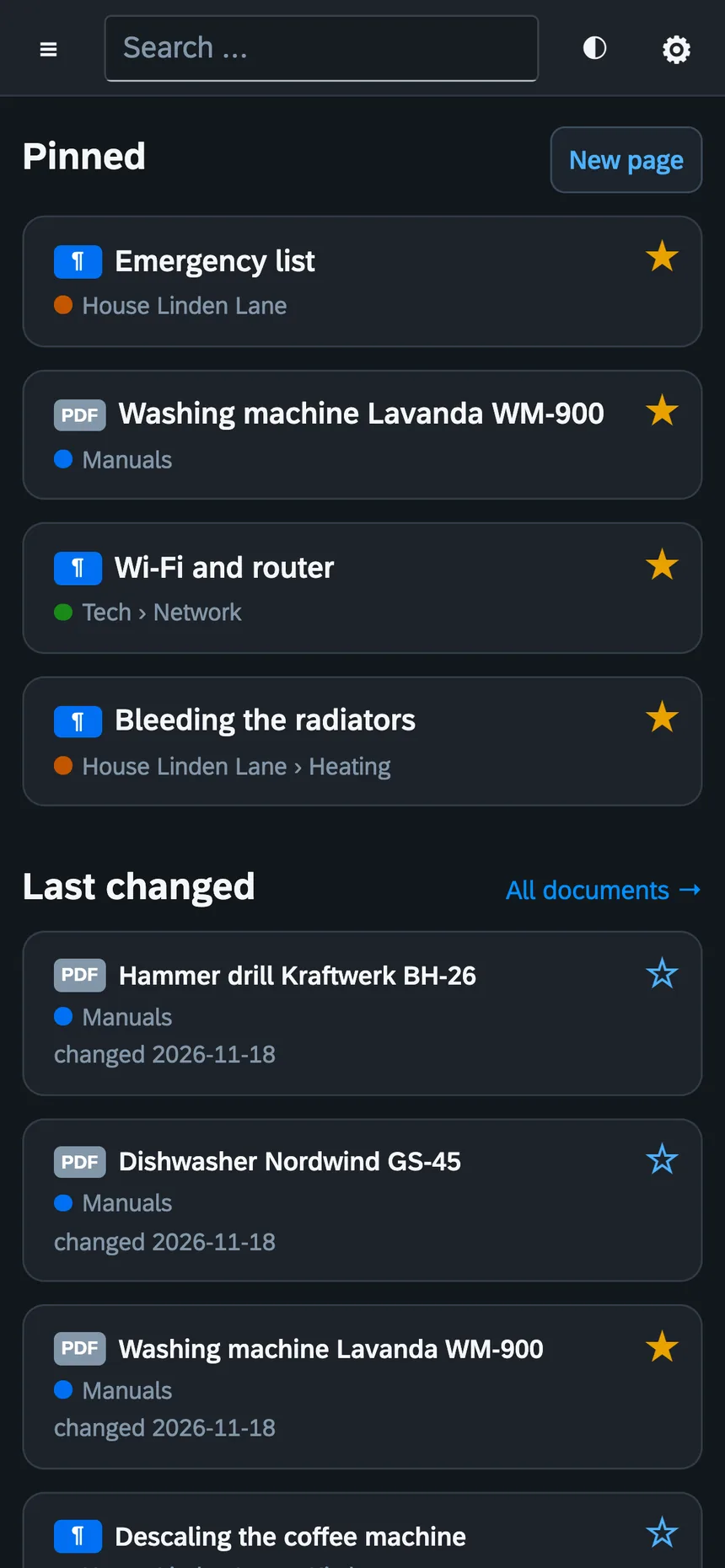
Start page and phone
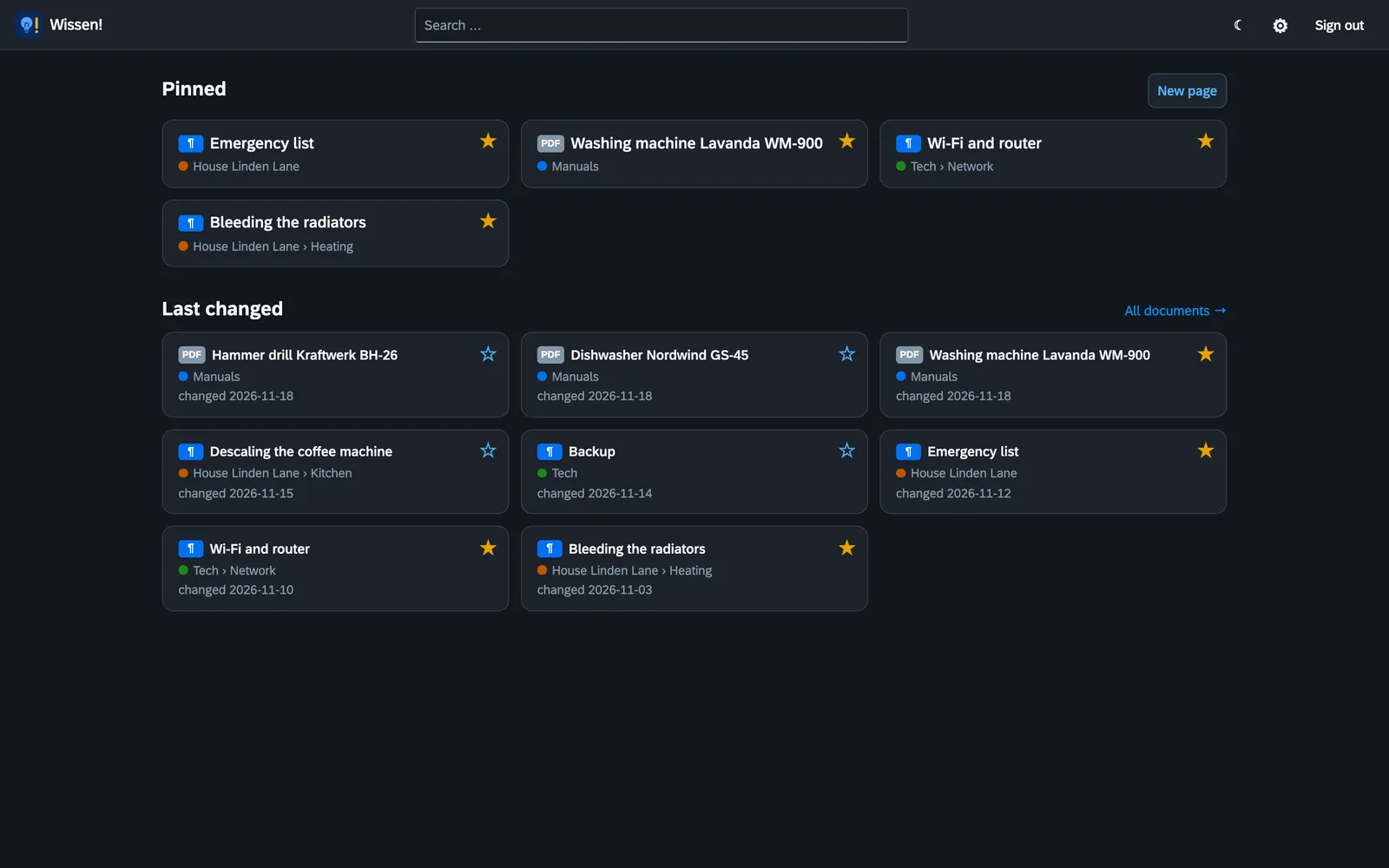
Wissen! opens with your start page: at the top what you pinned, below it what changed last. Everybody pins for themselves. It all runs in the browser, on the phone too – the emergency list is where you need it.
And also
- Areas: one top-level folder per topic, household or person
- Rights per person and area: no access, read, or read and write
- Links between pages, to single sections and straight to a page of a PDF
- Footnotes, highlights and collapsible sections
- A page’s pictures live in a folder right next to it
- New page, rename, move and a bin with a period you set
- Tags and filters by area, pages or PDFs
- Second factor for signing in
- REST API with keys of their own, read-only or read and write
- Light and dark, four languages per account
- Sister of Ordnung! and Augenblick!: same look, same handling
Installing
Wissen! runs as a Docker container, for example on a NAS, a Raspberry Pi or a home server. It needs two folders: the one with your pages and PDFs and one for its own data. There is a ready-made template for Unraid, where you only fill in the paths.
Then open http://server:8460 and create the first administrator. Every step is in the manual.
services:
  wissen:
    image: ghcr.io/orohde/wissen:latest
    restart: unless-stopped
    ports:
      - "8460:8000"
    volumes:
      - ./wissen:/wissen          # your pages (.md) and PDFs
      - ./data:/data              # index, settings, accounts
    environment:
- TZ=Europe/BerlinWissen! is free software under the AGPL-3.0. No paid edition, no cloud, your knowledge stays with you.